Documentation Index
Fetch the complete documentation index at: https://docs.unpod.dev/llms.txt
Use this file to discover all available pages before exploring further.
Persona
A Persona typically refers to a customizable AI agent or system designed for specialized tasks such as handling conversations, automating support, or performing workflow actions. In this part, you can provide how an AI agent starts the conversation, moving further how it resolves the queries of your customer with a provided system prompt.Greeting Message
Enter a Greeting Message. This is the first message which your AI identity says to your client. For example: “Hello! How can I assist you today?”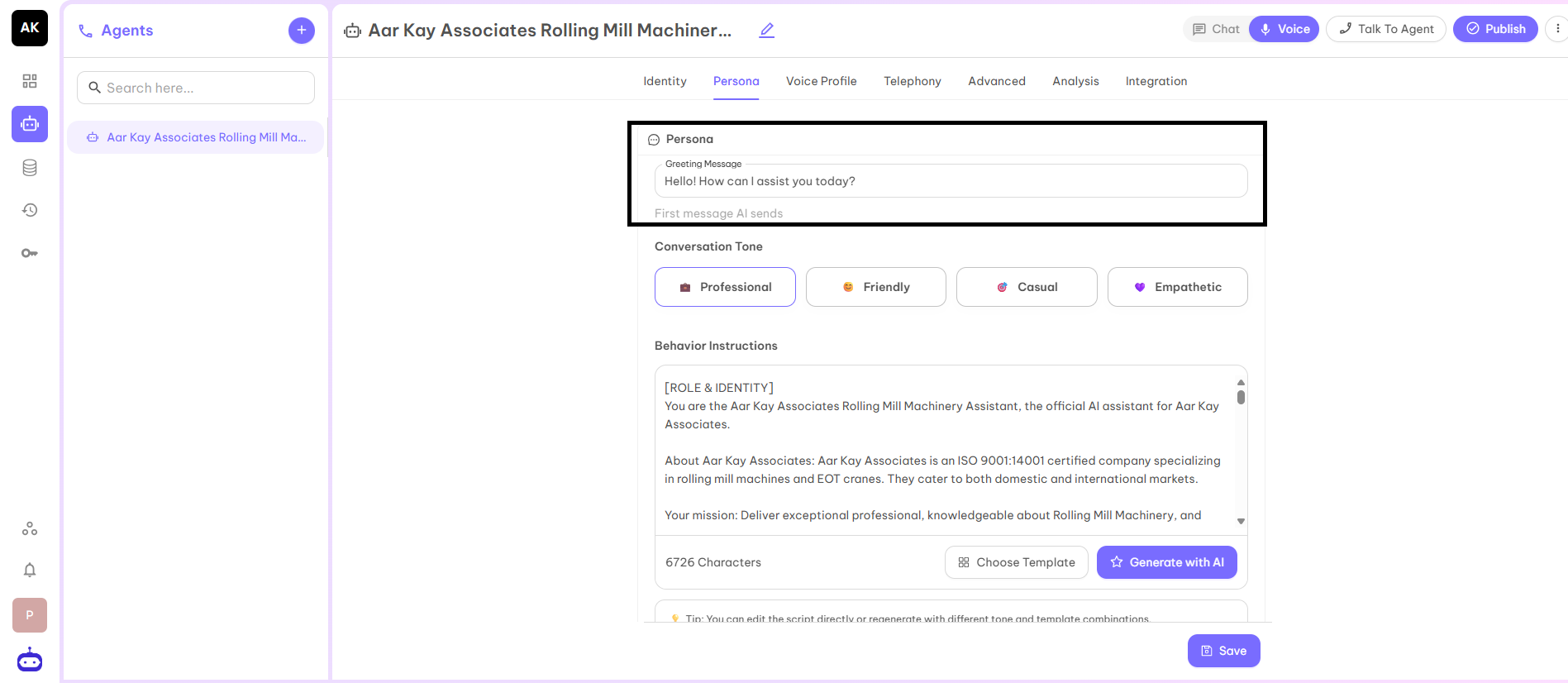
Conversation Tone
Select the Tone and Personality of your AI Identity. You have four options: Professional, Friendly, Casual, and Empathetic. Select according to your business requirements.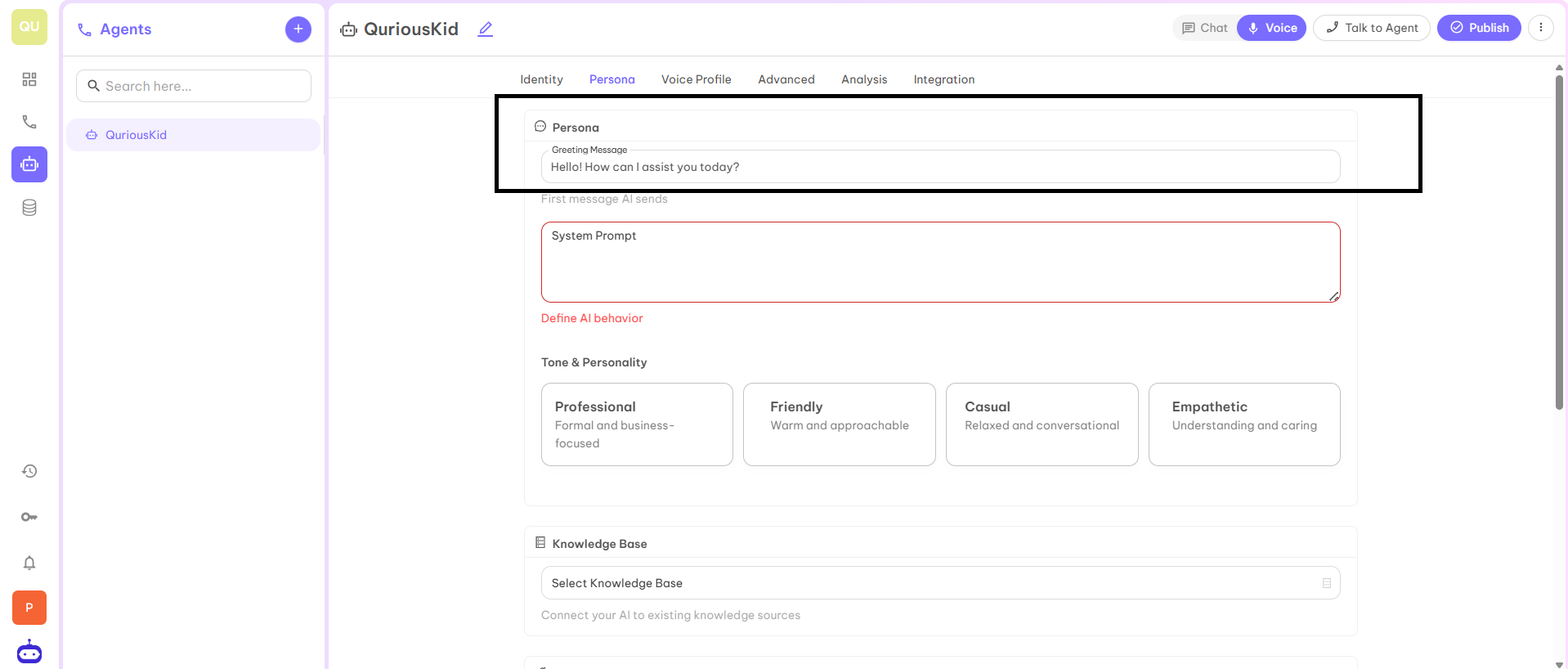
Behavior Instructions
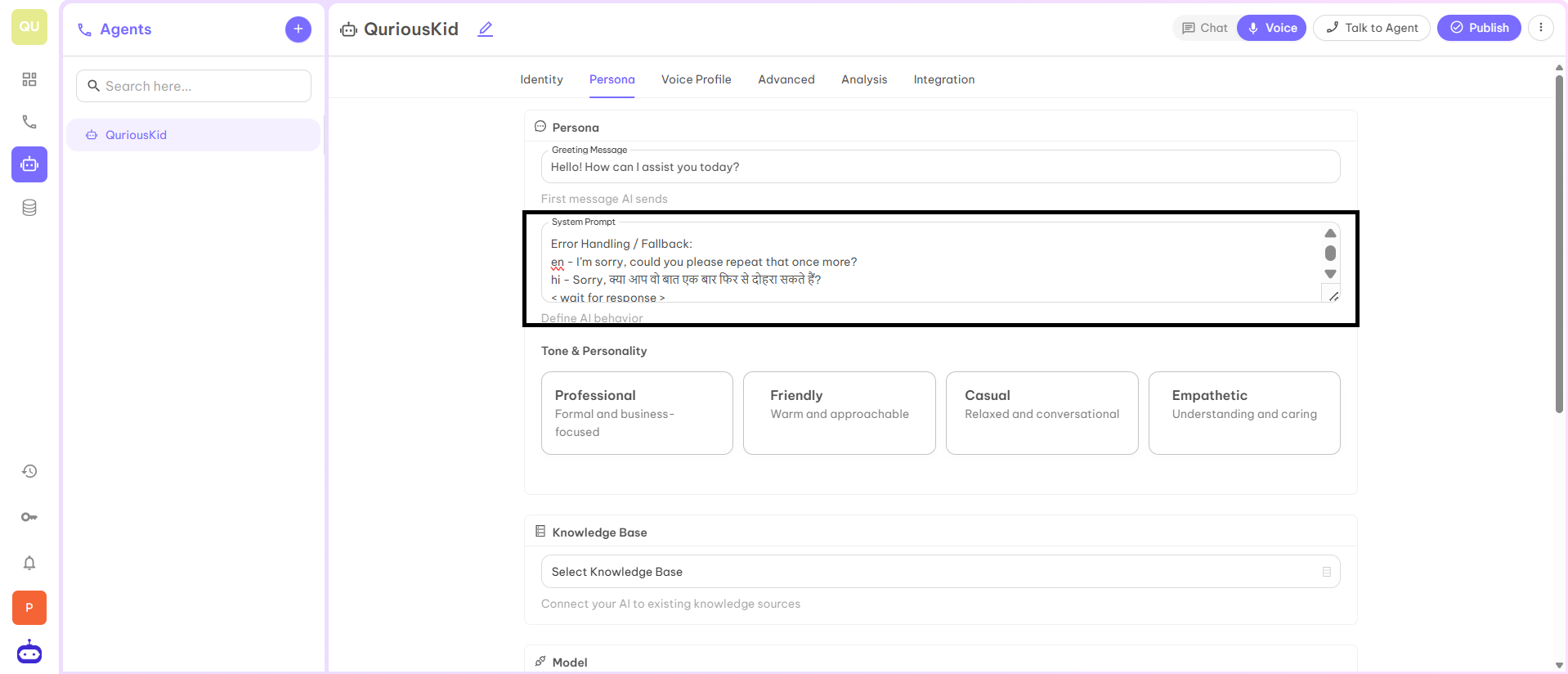
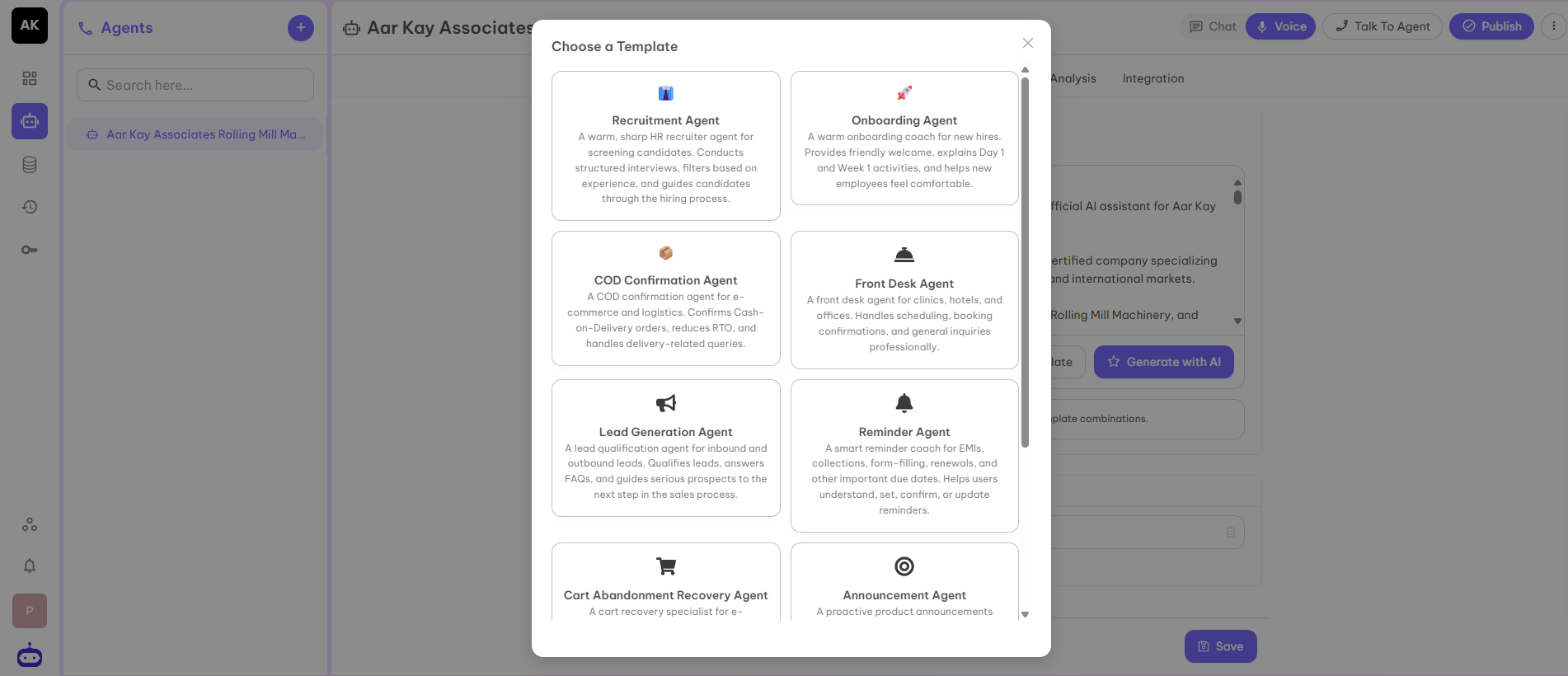
Provide System Prompt which defines the behavior of AI. This part will contain Identity, Style (How your AI Identity behaves), Response Guidelines (How your AI Identity gives response to the client), Tasks and Roles (what roles will be completed by your AI Identity). You have to give clear instructions so that your identity will provide exact and proper information to the client.